
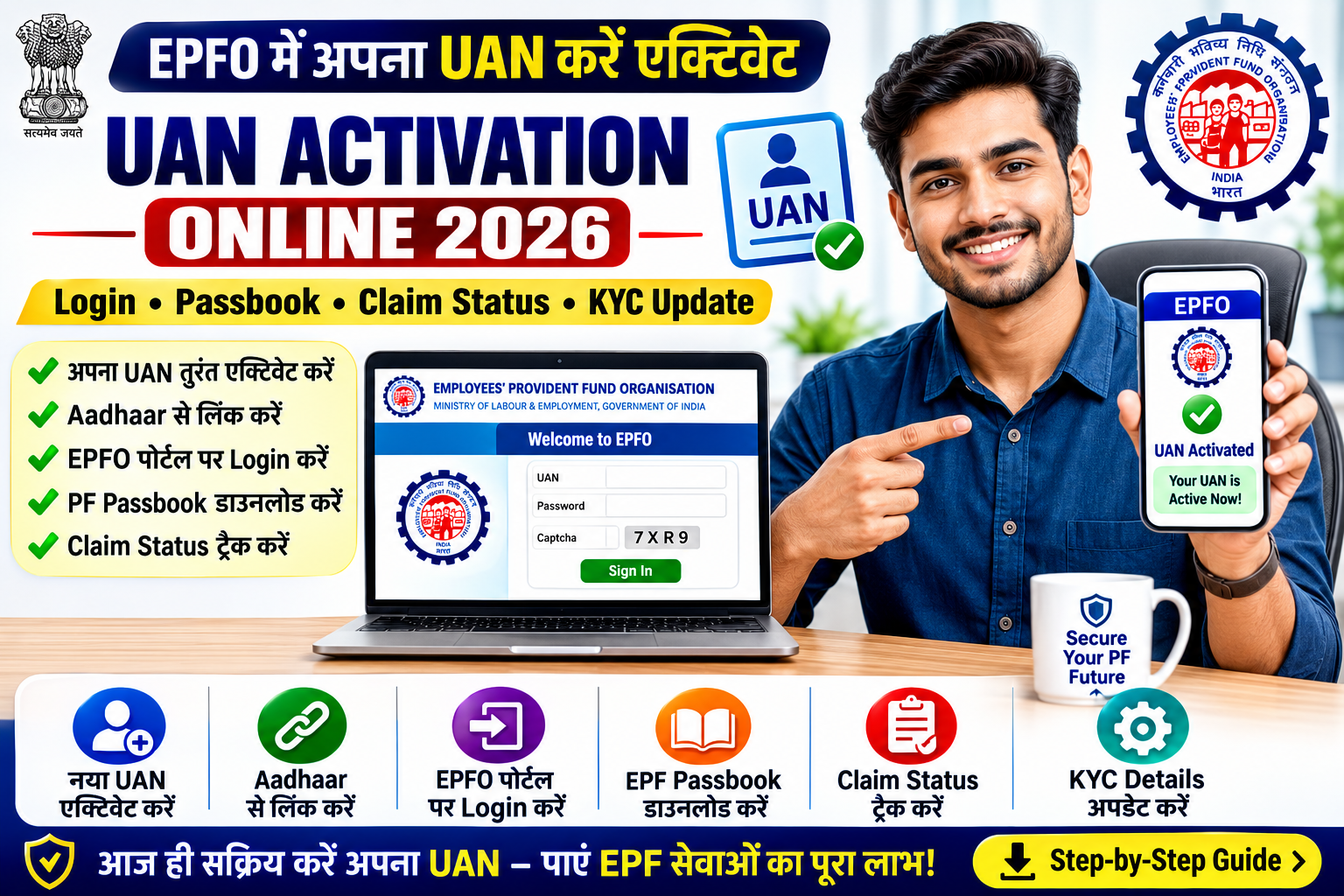
The Universal Account Number (UAN) is a unique identification number issued by the Employees’ Provident Fund Organisation (EPFO) to eligible employees covered under the Employees’ Provident Fund (EPF) scheme.
Activating your UAN allows you to securely access various online EPFO services, including checking your PF balance, downloading your EPF passbook, updating KYC details, tracking claim status, and managing your Provident Fund account.
If you have recently joined an EPF-covered organization or received your UAN from your employer, this guide explains how to activate your UAN online, link Aadhaar, reset your password, log in to the EPFO Member Portal, and troubleshoot common issues.
UAN Activation 2026 – Overview
| Particular | Details |
|---|---|
| Service Name | UAN Activation |
| Managed By | Employees’ Provident Fund Organisation (EPFO) |
| Category | Government Service |
| Beneficiaries | EPF Members |
| Mode | Online |
| Requirement | Valid UAN |
| Services After Activation | Passbook, PF Balance, Claims, KYC |
| Official Authority | EPFO |
What is UAN?
The Universal Account Number (UAN) is a permanent identification number allotted to eligible EPF members.
It helps link multiple Member IDs allotted by different employers under a single UAN, allowing employees to manage their PF accounts conveniently.
Once activated, members can access various EPFO services online using a single login.
Benefits of Activating UAN
After activation, members can generally:
- Check PF balance online.
- Download EPF passbook.
- Submit eligible online claims.
- Track claim status.
- View employment history.
- Update KYC information (where applicable).
- Download UAN card.
- Access member profile details.
Who Can Activate UAN?
Generally, UAN can be activated by eligible EPF members who:
- Have been allotted a valid UAN.
- Possess a registered mobile number.
- Complete the prescribed identity verification.
- Meet the applicable EPFO requirements.
Members should verify that the details available with EPFO are accurate before proceeding.
Information Required
To activate your UAN, you may need:
- Universal Account Number (UAN)
- Aadhaar Number (where applicable)
- PAN (if required)
- Member ID (if required)
- Registered Mobile Number
- Date of Birth
- Name as per EPFO records
The required information may vary depending on the verification process.
How to Activate UAN Online
Eligible members can activate their UAN through the official EPFO Member Portal.
Step 1
Visit the official EPFO Member Portal.
Step 2
Click on Activate UAN.
Step 3
Enter the required details such as:
- UAN
- Name
- Date of Birth
- Mobile Number
- Captcha
Step 4
Complete the OTP verification sent to your registered mobile number.
Step 5
Create your password as instructed.
Step 6
After successful verification, your UAN will be activated.
You can then use your UAN and password to access the EPFO Member Portal.
Aadhaar Linking
EPFO provides facilities for linking Aadhaar with your UAN wherever applicable.
Keeping Aadhaar linked may help in accessing various EPFO services and completing certain online processes, subject to the prevailing guidelines.
UAN Login
After activating your Universal Account Number (UAN), you can log in to the official EPFO Member Portal to access various online services.
Using your activated UAN, you can generally:
- Check PF Balance
- Download EPF Passbook
- View Member Profile
- Track PF Claim Status
- Update KYC Details (where permitted)
- Download UAN Card
- View Service History
These services are available subject to EPFO’s prevailing rules and portal functionality.
How to Log in to the EPFO Member Portal
Follow these general steps:
Step 1
Visit the official EPFO Member Portal.
Step 2
Enter your:
- UAN
- Password
- Captcha Code
Step 3
Click Sign In.
Step 4
After successful login, you can access the available EPFO member services.
Forgot UAN Password?
If you cannot remember your password, you can generally reset it through the official EPFO Member Portal.
General Process
- Visit the EPFO login page.
- Click Forgot Password.
- Enter your UAN.
- Complete the required verification.
- Verify using the OTP sent to your registered mobile number.
- Create a new password.
- Log in using your updated credentials.
The password reset process may change based on EPFO’s latest authentication procedures.
How to Update KYC Details
Keeping your Know Your Customer (KYC) information updated helps ensure smooth processing of eligible EPFO services.
Depending on the available portal features, members may be able to update details such as:
- Aadhaar
- PAN
- Bank Account
- Passport
- Driving Licence
- Voter ID
- Other permitted KYC documents
Some updates may require verification by the employer or approval according to EPFO guidelines.
Common UAN Activation Problems
Some users may experience issues during activation, such as:
- Incorrect UAN
- Name mismatch
- Date of Birth mismatch
- Aadhaar mismatch
- Mobile number not linked
- OTP not received
- Incorrect Member ID
- Temporary server or portal issues
If the issue persists, members should use the official EPFO help channels or contact their employer for assistance.
Important Tips
To avoid problems while using EPFO services:
- Activate your UAN as soon as it is allotted.
- Keep your registered mobile number active.
- Use a strong password.
- Do not share your OTP or password.
- Verify your KYC details periodically.
- Check your PF contributions regularly.
- Access EPFO services only through the official portal.
- Keep your personal information updated with your employer whenever required.
Frequently Asked Questions (FAQs)
1. What is UAN?
UAN (Universal Account Number) is a unique identification number allotted by the Employees’ Provident Fund Organisation (EPFO) to eligible EPF members.
2. Why should I activate my UAN?
Activating your UAN enables you to access online EPFO services such as checking your PF balance, downloading your passbook, tracking claims, updating KYC details, and viewing your service history.
3. Can I activate my UAN online?
Yes. Eligible members can generally activate their UAN through the official EPFO Member Portal by completing the required verification process.
4. Is Aadhaar required for UAN activation?
The verification process may require Aadhaar or other prescribed details depending on the applicable EPFO guidelines and the member’s records.
5. How can I reset my UAN password?
You can generally reset your password through the Forgot Password option on the official EPFO Member Portal after completing the required verification.
6. Can I update my KYC online?
Eligible members may be able to update certain KYC details through the EPFO Member Portal, subject to verification and applicable EPFO procedures.
7. Why is my UAN not activating?
Activation issues may occur due to incorrect information, mismatched records, mobile number verification issues, or temporary portal-related problems. Members should verify their details and refer to the official EPFO guidance if necessary.
Conclusion
The UAN Activation facility is an important step for EPF members who wish to manage their Provident Fund account online. Once activated, the UAN provides convenient access to essential EPFO services, including PF balance enquiry, passbook download, claim tracking, KYC management, and account updates. Members should ensure that their information is accurate and always use the official EPFO portal for activation and related services.
Disclaimer
Disclaimer: This article is published for informational purposes only. UP Sarkari Yojana is an independent informational website and is not affiliated with, endorsed by, or associated with the Employees’ Provident Fund Organisation (EPFO), the Ministry of Labour & Employment, or any government authority. UAN activation procedures, login methods, Aadhaar verification, KYC requirements, password reset process, and other EPFO services may change through official notifications or portal updates. Readers are advised to visit the official EPFO website and refer to the latest guidelines before relying on the information provided in this article.