
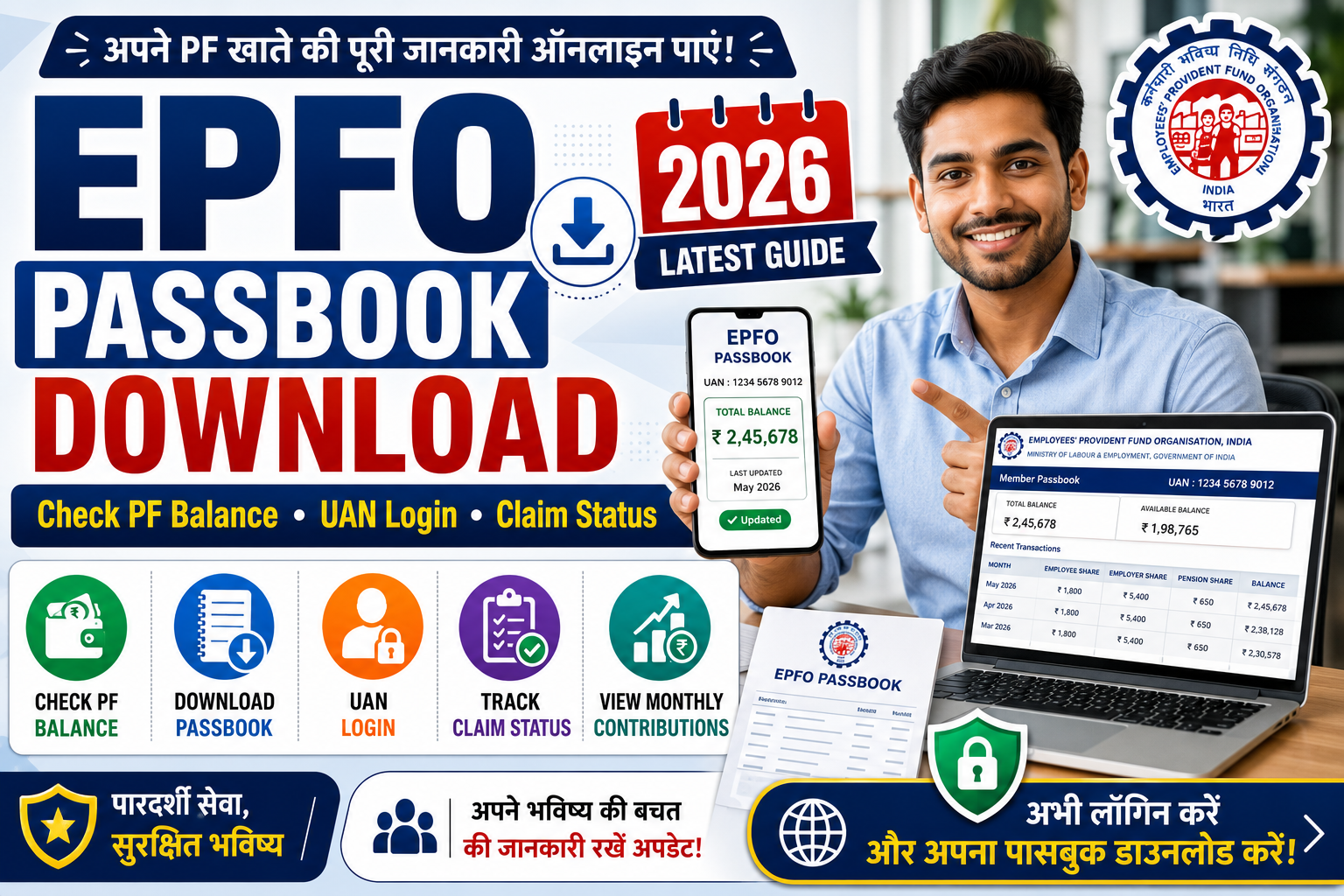
The Employees’ Provident Fund Organisation (EPFO) provides employees with an online facility to check their Provident Fund (PF) balance, download their EPF passbook, monitor contributions made by employers and employees, and track claim status.
The EPF passbook serves as a digital record of monthly PF contributions, interest credited, withdrawals, and other account-related transactions. Eligible members can access these services online through the official EPFO portal after activating their Universal Account Number (UAN).
Whether you want to verify your PF balance, download your passbook, or check the status of a PF claim, this guide explains the complete process along with eligibility, requirements, and frequently asked questions.
EPFO Passbook – Overview
| Particular | Details |
|---|---|
| Service Name | EPFO Passbook |
| Managed By | Employees’ Provident Fund Organisation (EPFO) |
| Category | Government Service |
| Beneficiaries | EPF Members |
| Access Mode | Online |
| Login Requirement | Activated UAN |
| Services Available | Passbook, PF Balance, Claim Status |
| Official Portal | EPFO Member Portal |
What is an EPFO Passbook?
An EPFO Passbook is a digital statement that records all transactions made in an employee’s Provident Fund account.
The passbook generally includes details such as:
- Employee PF contribution
- Employer PF contribution
- Pension contribution (where applicable)
- Interest credited
- Monthly deposits
- Withdrawal entries
- Closing balance
Members can access the passbook online using their activated UAN credentials.
Benefits of EPFO Passbook
The online passbook facility offers several advantages:
- Check PF balance anytime.
- Verify monthly contributions.
- Track employer deposits.
- Download digital passbook.
- Monitor interest updates.
- Check withdrawal history.
- Track PF account activity.
- Access records from anywhere.
Who Can Access the Passbook?
Generally, members can access the EPFO passbook if:
- Their UAN has been activated.
- Mobile number is linked with the UAN.
- EPF account is active.
- Login credentials are available.
Certain categories of accounts may have different access provisions as per EPFO guidelines.
Information Available in the Passbook
The passbook may display:
- Member Name
- UAN
- Member ID
- Establishment Name
- Employee Contribution
- Employer Contribution
- Pension Contribution
- Interest
- Monthly Transactions
- Withdrawal Entries
- Closing Balance
Documents and Requirements
To access the passbook online, members generally need:
- Activated UAN
- Password
- Registered Mobile Number
- Internet Connection
- Mobile or Computer
No physical documents are generally required for viewing the passbook online.
How to Download EPFO Passbook
Members can download their passbook through the official EPFO Member Passbook Portal.
Step 1
Visit the official EPFO Member Passbook portal.
Step 2
Log in using your activated UAN and password.
Step 3
Complete the required verification, if prompted.
Step 4
Select the Member ID for which you want to view the passbook.
Step 5
The passbook will appear on the screen.
Step 6
Download or print the passbook for future reference.
How to Check PF Balance
Members can check their PF balance through the official EPFO portal after logging in with their UAN credentials.
The available balance reflects the information updated in the EPF account, subject to processing timelines.
UAN Login
The Universal Account Number (UAN) is a unique identification number allotted to eligible EPF members. Once activated, it enables members to access various online EPFO services through a single login.
Using the UAN login, members can generally:
- View EPF passbook
- Check PF balance
- Update profile details (where permitted)
- Download UAN card
- Track PF claim status
- Access member services
- View KYC information
Members should ensure that their UAN is activated before attempting to log in.
How to Check EPF Claim Status
If you have submitted a Provident Fund withdrawal, transfer, or settlement request, you can generally track its status through the official EPFO portal.
Step 1
Visit the official EPFO Member Portal.
Step 2
Log in using your activated UAN and password.
Step 3
Navigate to the Claim Status section.
Step 4
Select the relevant claim, if required.
Step 5
The current processing status will be displayed on the screen.
The available status information depends on the stage of claim processing.
Forgot UAN Password?
If you are unable to log in because you have forgotten your password, you can generally reset it through the official EPFO Member Portal.
The general process includes:
- Visit the login page.
- Select the Forgot Password option.
- Enter your UAN.
- Complete the required verification.
- Verify using the registered mobile number.
- Create a new password.
- Log in with the updated credentials.
The exact verification steps are subject to the current EPFO authentication process.
Common Login Problems
Members may face login issues due to reasons such as:
- Incorrect UAN
- Wrong password
- UAN not activated
- Mobile number not linked
- Temporary portal maintenance
- Browser-related issues
- Internet connectivity problems
- Multiple failed login attempts
If the issue persists, members should refer to the official EPFO help resources or contact the appropriate support channels.
Important Tips
To ensure smooth access to EPFO services:
- Activate your UAN before using online services.
- Keep your registered mobile number active.
- Use only the official EPFO portal.
- Do not share your password or OTP with anyone.
- Verify your passbook regularly.
- Check employer contributions periodically.
- Keep your KYC details updated where applicable.
- Download and save your passbook for future reference.
Frequently Asked Questions (FAQs)
1. What is an EPFO Passbook?
An EPFO Passbook is an online statement that records the monthly PF contributions, interest, withdrawals, and other transactions related to an EPF account.
2. Who can download the EPFO Passbook?
Generally, EPF members with an activated UAN and valid login credentials can access and download their passbook through the official EPFO Member Portal.
3. Is there any fee to download the passbook?
The online passbook facility is provided through the official EPFO portal. Users should always access the service through official channels.
4. Can I check my PF balance online?
Yes. Eligible members can check their PF balance by logging into the official EPFO Member Portal using their activated UAN credentials.
5. How can I check my EPF claim status?
Members can generally track the status of their claims through the official EPFO portal after logging in with their UAN.
6. What should I do if I forget my UAN password?
You can generally reset your password through the Forgot Password option available on the official EPFO Member Portal after completing the required verification process.
7. Why is my latest PF contribution not visible?
Recent contributions may take some time to appear in the passbook depending on the processing and update cycle followed by EPFO.
Conclusion
The EPFO Passbook is a valuable online service that allows EPF members to monitor their Provident Fund account conveniently. By using an activated UAN, members can view their PF balance, download their passbook, track claim status, and access other important EPFO services from anywhere. Regularly checking your passbook can help you verify monthly contributions and stay informed about your retirement savings.
Disclaimer
Disclaimer: This article is published for informational purposes only. UP Sarkari Yojana is an independent informational website and is not affiliated with, endorsed by, or associated with the Employees’ Provident Fund Organisation (EPFO), the Ministry of Labour & Employment, or any government authority. EPFO services, login procedures, UAN activation, claim processing, passbook availability, KYC requirements, and other features may change through official notifications or portal updates. Readers are advised to visit the official EPFO website and refer to the latest guidelines before relying on the information provided in this article.