
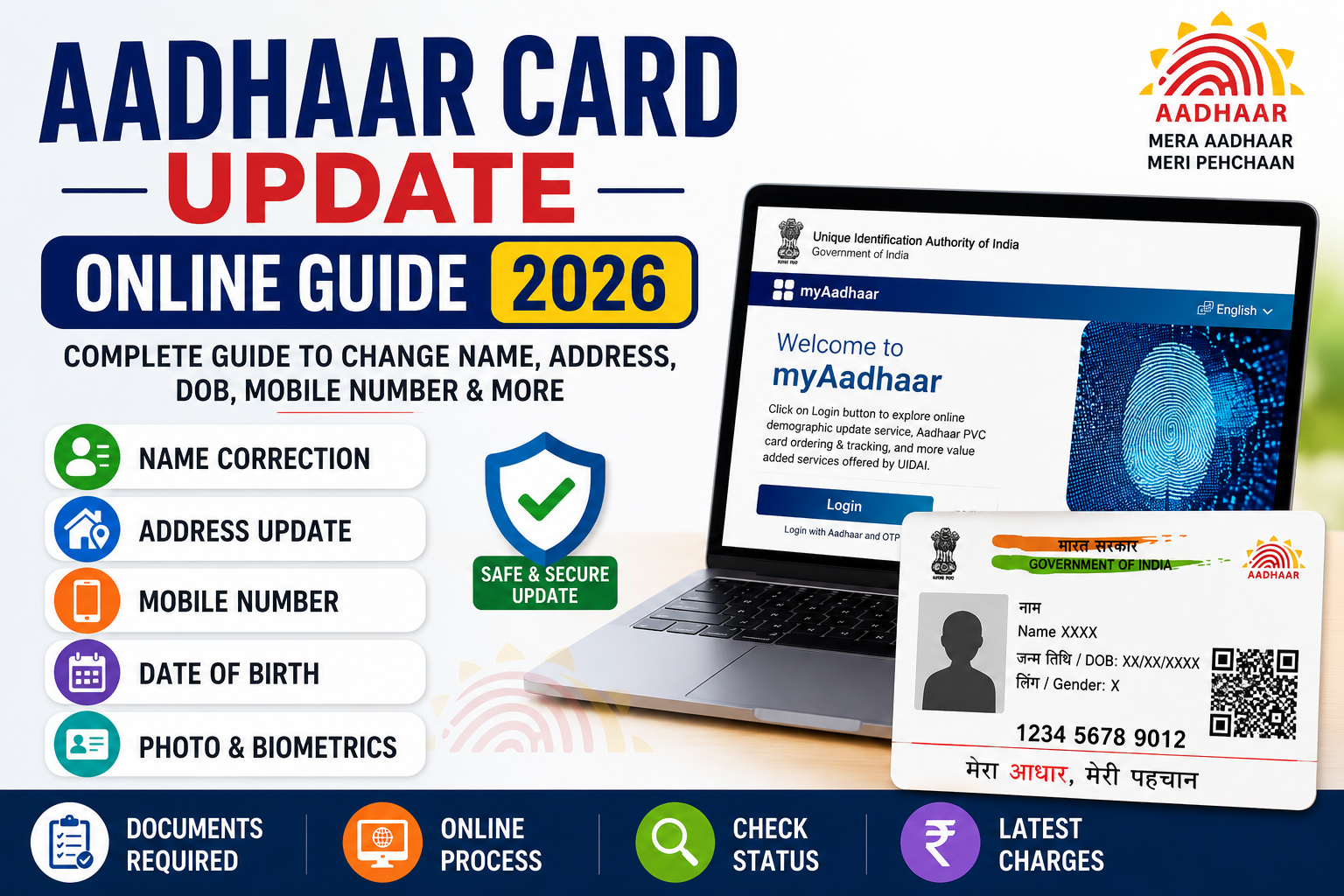
Aadhaar Card Update Online 2026
The Aadhaar Card has become one of the most important identity documents in India. It is used for banking, PAN linking, passport applications, mobile SIM verification, government schemes, income tax services, scholarships, LPG subsidies, and many other public and private services.
Because Aadhaar is widely used for identity verification, it is important that the information on your Aadhaar card remains accurate and up to date. If your name has changed after marriage, you have moved to a new address, changed your mobile number, updated your email address, or need to correct your date of birth or photograph, the Unique Identification Authority of India (UIDAI) provides both online and offline update facilities. Some updates can be completed online, while others require a visit to an Aadhaar Enrolment or Update Centre. (UIDAI)
In this complete guide, you’ll learn:
- How to update Aadhaar online
- Which details can be updated online
- Which updates require visiting an Aadhaar Centre
- Required documents
- Latest charges
- How to check update status
- Common reasons for rejection
- Frequently Asked Questions
Aadhaar Card Update 2026 – Overview
| Particular | Details |
|---|---|
| Document | Aadhaar Card |
| Issued By | Unique Identification Authority of India (UIDAI) |
| Purpose | Identity & Address Proof |
| Update Mode | Online & Aadhaar Enrolment Centre |
| Online Portal | myAadhaar |
| Offline Mode | Aadhaar Seva Kendra / Aadhaar Enrolment Centre |
| Status Check | Online |
| Official Authority | UIDAI |
What is Aadhaar Card?
Aadhaar is a unique 12-digit identification number issued by the Unique Identification Authority of India (UIDAI) to residents of India.
It serves as proof of identity and, where applicable, proof of address. Aadhaar is accepted by many government departments, banks, financial institutions, telecom operators, educational institutions, and other organizations for identity verification. (India.gov.in)
Why Should You Update Your Aadhaar?
Keeping your Aadhaar information updated helps avoid problems while using government and financial services.
Some common situations include:
- You shifted to a new house.
- Your mobile number changed.
- You changed your surname after marriage.
- Your email ID changed.
- Your photograph is outdated.
- Your fingerprints or iris data need refreshing.
- Your date of birth contains an error.
- Your Aadhaar was created many years ago and your supporting documents should be refreshed. UIDAI recommends updating Proof of Identity (POI) and Proof of Address (POA) documents at least once every 10 years. (UIDAI)
Details That Can Be Updated
Depending on the type of information, updates may be available online or only at an Aadhaar Centre.
You may update:
- Name
- Address
- Date of Birth
- Gender
- Mobile Number
- Email Address
- Photograph
- Fingerprints
- Iris Scan
- Supporting Documents (POI & POA)
UIDAI notes that address and document updates are available online, while mobile number updates and biometric updates require visiting an Aadhaar Enrolment/Update Centre. (UIDAI)
Which Aadhaar Updates Can Be Done Online?
The following services are generally available through the myAadhaar portal:
✅ Address Update (where applicable)
✅ Document Update (Proof of Identity / Proof of Address)
You will need:
- Aadhaar Number
- Registered Mobile Number
- OTP verification
- Supporting documents (if required)
All online requests are subject to UIDAI verification and approval. Submitting a request does not guarantee that the update will be accepted. (UIDAI)
Which Updates Require Visiting an Aadhaar Centre?
Some changes cannot be completed entirely online and require an in-person visit.
These typically include:
- Mobile Number Update
- Biometric Update (Photo, Fingerprints, Iris)
- Major Name Corrections (where additional verification is required)
- Date of Birth correction
- Gender update
- Email update (if not supported through available online options)
Identity verification and supporting documents may be required depending on the requested change. (UIDAI)
Benefits of Keeping Aadhaar Updated
Maintaining accurate Aadhaar details offers several advantages:
- Smooth KYC verification
- Faster banking services
- Easier access to government schemes
- Accurate PAN-Aadhaar linkage
- Better security for Aadhaar-based authentication
- Reduced chances of verification failure
- Improved access to digital government services
Latest Aadhaar Update Charges (2026)
UIDAI charges fees for most Aadhaar update services. The exact fee depends on the type of update.
Some important points:
- Charges apply to demographic and biometric updates.
- The applicable fee is displayed at Aadhaar Enrolment Centres and on the acknowledgement slip.
- UIDAI has extended free online Document Update (POI & POA) through the myAadhaar portal until 14 June 2027. (UIDAI)
Documents Required for Aadhaar Update
The documents required depend on the type of information you wish to update. UIDAI accepts only valid supporting documents as listed in its official document list.
Some commonly accepted documents include:
For Name Update
- Passport
- PAN Card
- Driving Licence
- Voter ID
- Government-issued Photo ID
- Marriage Certificate (where applicable)
- Other UIDAI-approved Proof of Identity (POI) documents
For Address Update
- Electricity Bill
- Water Bill
- Gas Connection Bill
- Bank Passbook or Statement
- Passport
- Rent Agreement (if accepted under current UIDAI guidelines)
- Government-issued Address Proof
- Other UIDAI-approved Proof of Address (POA) documents
For Date of Birth Update
- Birth Certificate
- Passport
- SSLC Certificate
- Government-approved Date of Birth document
For Mobile Number Update
Generally, no separate proof of the mobile number is required. Identity verification is completed at the Aadhaar Enrolment/Update Centre.
Important: Always refer to the latest UIDAI-approved document list before visiting an Aadhaar Centre, as acceptable documents may change. (uidai.gov.in)
How to Update Aadhaar Card Online (Address & Document Update)
If the service you need is available online, follow these steps:
Step 1: Visit the myAadhaar Portal
Open the official myAadhaar website.
Step 2: Login
Enter your 12-digit Aadhaar Number.
Complete the CAPTCHA verification.
Click Send OTP.
Step 3: Verify OTP
Enter the OTP received on your registered mobile number.
Step 4: Choose the Update Service
Select the service you want, such as:
- Address Update (if available)
- Document Update (POI/POA)
Step 5: Fill the Required Information
Enter the updated details carefully.
Upload the required supporting documents in the prescribed format.
Step 6: Review Your Application
Verify all entered information before submission.
Step 7: Submit the Request
After successful submission, an Update Request Number (URN) or acknowledgement will be generated. Save this number for future tracking. (uidai.gov.in)
How to Update Mobile Number in Aadhaar
Unlike some other services, the mobile number cannot generally be updated online because identity verification must be completed in person.
Process
- Visit the nearest Aadhaar Seva Kendra or Aadhaar Enrolment Centre.
- Fill out the Aadhaar Update Form.
- Provide your Aadhaar number.
- Complete biometric verification.
- Pay the applicable fee.
- Collect the acknowledgement slip containing the Update Request Number (URN).
After successful processing, the new mobile number will be linked to your Aadhaar. (uidai.gov.in)
How to Change Your Address in Aadhaar
If online address update is available for your case:
- Login to the myAadhaar portal.
- Select Address Update.
- Enter the new address.
- Upload valid Proof of Address.
- Submit the request.
- Save the URN.
If online update is not available or additional verification is required, visit an Aadhaar Centre.
How to Change Your Name in Aadhaar
If you need to correct or update your name:
- Visit an Aadhaar Enrolment/Update Centre if required for your case.
- Carry a valid Proof of Identity document.
- Complete biometric verification.
- Pay the prescribed update fee.
- Receive the acknowledgement receipt.
UIDAI verifies all submitted documents before approving the update.
Date of Birth Correction
Date of Birth updates are considered sensitive changes and are processed according to UIDAI guidelines.
The process generally involves:
- Visiting an Aadhaar Centre.
- Submitting an approved Date of Birth document.
- Completing biometric verification.
- Paying the applicable fee.
Only genuine corrections supported by valid documents are accepted. (uidai.gov.in)
Photograph, Fingerprints & Iris Update
Biometric updates are useful in situations such as:
- Children’s biometric updates after reaching the required age.
- Poor fingerprint quality.
- Iris scan refresh.
- Outdated photograph.
- Difficulty in Aadhaar authentication.
Visit an Aadhaar Enrolment/Update Centre with your Aadhaar number to complete biometric updates.
How to Check Aadhaar Update Status
After submitting an update request:
- Visit the official myAadhaar portal.
- Select Check Update Status.
- Enter your Update Request Number (URN) or other required details.
- Complete the verification process.
- View the latest status of your request.
This allows you to know whether your update is pending, approved, or requires further action. (uidai.gov.in)
Common Reasons for Aadhaar Update Rejection
Sometimes an update request may not be approved. Common reasons include:
- Blurred or unreadable document uploads.
- Mismatch between entered information and supporting documents.
- Unsupported or expired documents.
- Incorrect personal details.
- Incomplete application.
- Verification failure.
Before submitting your request, carefully review all information and ensure that the uploaded documents are clear and valid.
Tips Before Updating Aadhaar
To improve the chances of a successful update:
- Keep original documents ready.
- Ensure your mobile number is active and accessible.
- Upload clear, high-quality document scans for online requests.
- Double-check spellings before submission.
- Keep the acknowledgement slip until the process is complete.
- Use only the official UIDAI website or authorized Aadhaar Centres for updates.
Frequently Asked Questions (FAQs)
1. Can I update my Aadhaar online?
Yes. Certain services, such as online document updates and some address updates, are available through the myAadhaar portal, while others require visiting an Aadhaar Centre. (uidai.gov.in)
2. Can I change my mobile number online?
No. Mobile number updates generally require an in-person visit to an Aadhaar Enrolment/Update Centre for biometric verification. (uidai.gov.in)
3. How long does an Aadhaar update take?
Processing times may vary depending on the type of update and verification process. You can track your request online using the URN.
4. Is there any fee for updating Aadhaar?
Most demographic and biometric updates involve a fee. However, UIDAI has announced that online Proof of Identity (POI) and Proof of Address (POA) document updates through the myAadhaar portal are free until 14 June 2027. (uidai.gov.in)
5. Can I update my photograph online?
No. Photograph updates require visiting an Aadhaar Enrolment/Update Centre.
6. How can I check the status of my update request?
You can check the status through the official myAadhaar portal using your Update Request Number (URN).
Conclusion
Keeping your Aadhaar details accurate is important for smooth access to banking services, government schemes, income tax filing, mobile SIM verification, and many other essential services. Whether you need to update your address, correct your name, refresh your photograph, or link a new mobile number, UIDAI provides a secure process through its online portal and Aadhaar Enrolment Centres.
Before submitting any request, make sure your documents are valid, your information is accurate, and you use only the official UIDAI website or authorized Aadhaar Centres. This will help avoid delays or rejection of your application.
Disclaimer
Disclaimer: This article is provided for informational purposes only. UP Sarkari Yojana is an independent informational website and is not affiliated with, endorsed by, or associated with the Unique Identification Authority of India (UIDAI) or any government department. Aadhaar update procedures, fees, supported services, required documents, and processing timelines may change from time to time. Readers are advised to verify the latest information through the official UIDAI website or an authorized Aadhaar Seva Kendra before submitting any update request.